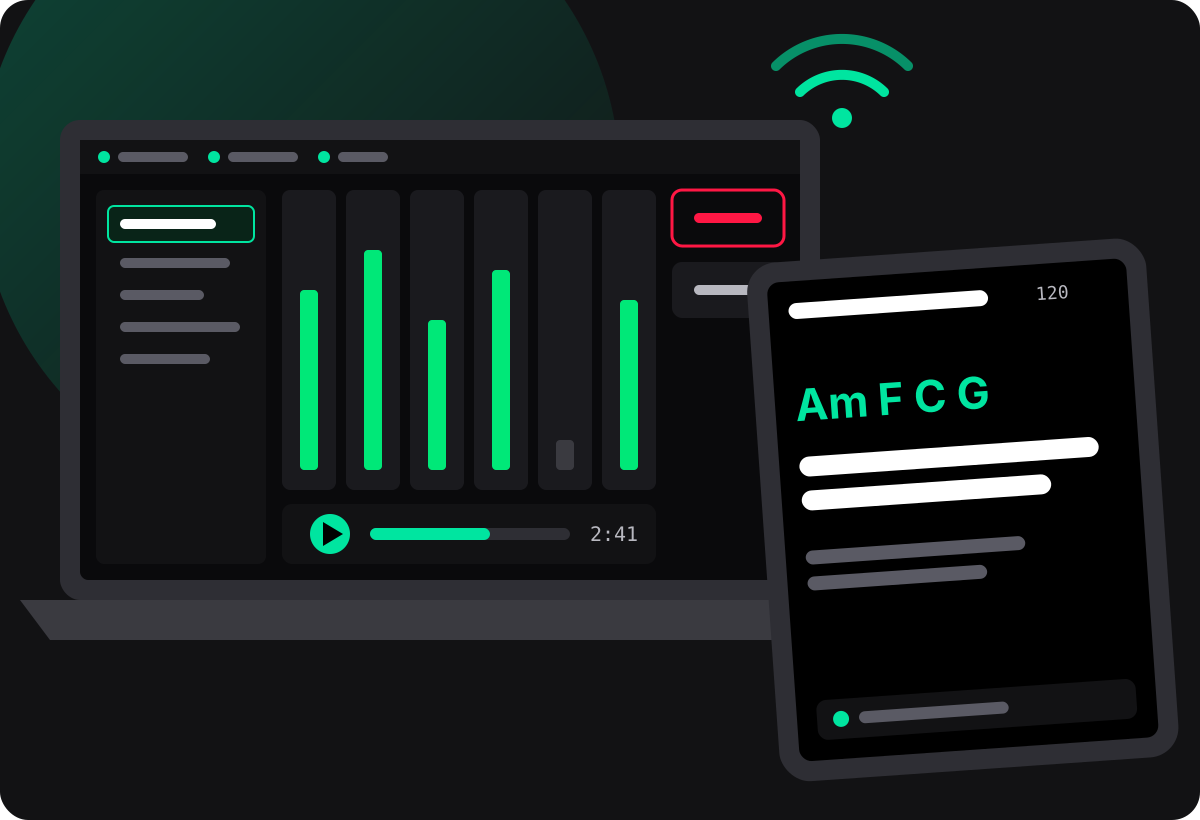
Backing tracks on the laptop. Lyrics and chords on every tablet. All in time.
Solead plays your multi-stem backing tracks into the mixer and shows each musician the lyrics, chords and cues of the song that is playing, on their own tablet or phone. No internet needed at the gig.
Windows 10 and 11 · one-time purchase, €35 VAT included
Less tech on stage, more music
Small bands play with backing tracks, but nobody is free to run them. The tech lands on a musician who should be playing.
Lyrics on paper, chords on a phone
Everyone brings their own sheets and apps, nobody is on the same page, and the setlist changes at the last minute.
A DAW is not a stage tool
Studio software is built for editing, not for a Saturday night: too many windows, too many ways to stop the music by accident.
No sound engineer
The band still wants a clean sound, stems on separate mixer channels and a click that only the drummer hears.
What Solead does
One app on the band laptop runs the show. Every musician follows it on their own screen.
Multi-stem playback
Up to 12 stems per song in WAV, FLAC or MP3, played in sync. Each stem gets a type (drums, bass, guitars, keys, strings, brass, woodwinds, vocals…) detected from its file name.
Effects that suit each instrument
Every track type starts with its own effect preset. Venue presets adapt the set to the room, and your per-track tweaks survive a change of venue.
Routing to your mixer
Send each stem to its own output of your audio interface or USB mixer, and the click to a separate channel, so the mixer can build every in-ear mix.
The band teleprompter
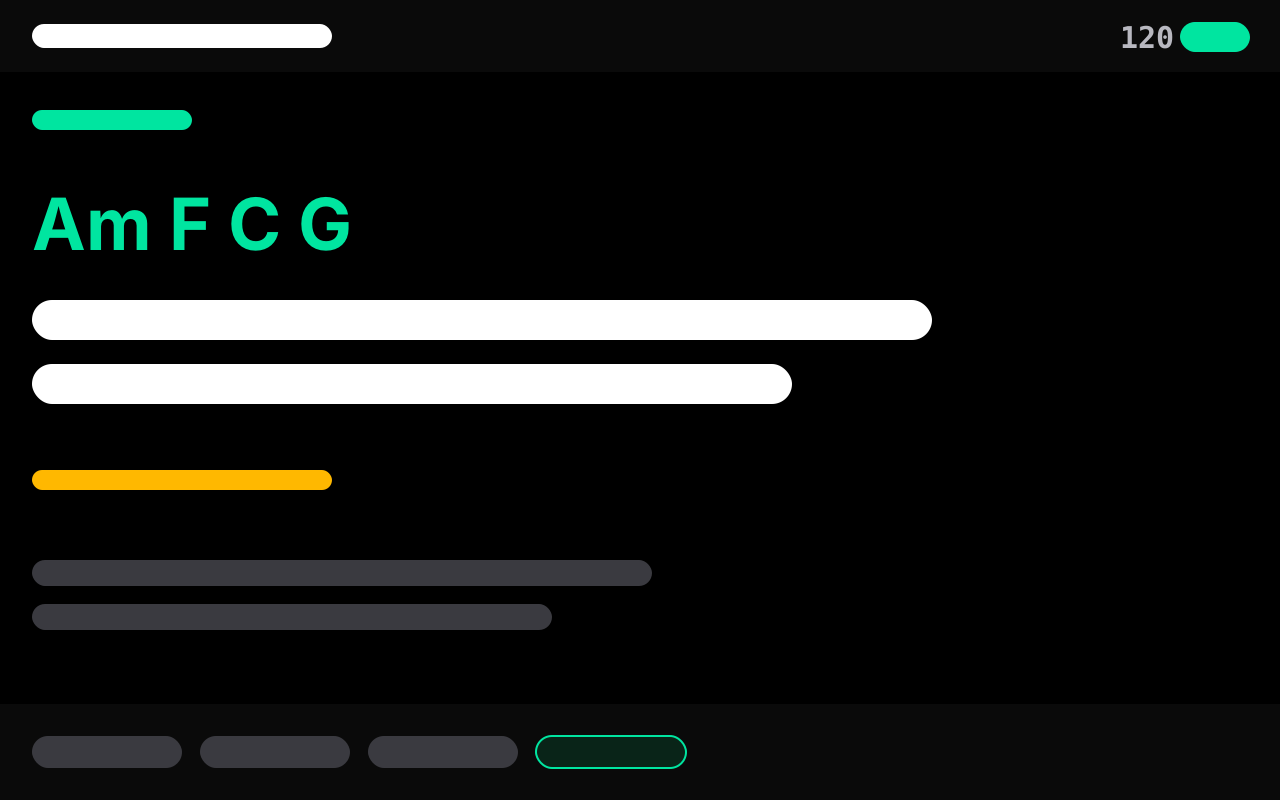
Musicians scan a QR code and follow the song on their tablet or phone: synced lyrics, chords, notes and cues, their own or everybody’s.
Live mode
Setlist, crossfades, a visual count-in on every screen, and a Safe State button that stops and mutes everything in one tap.
Prep
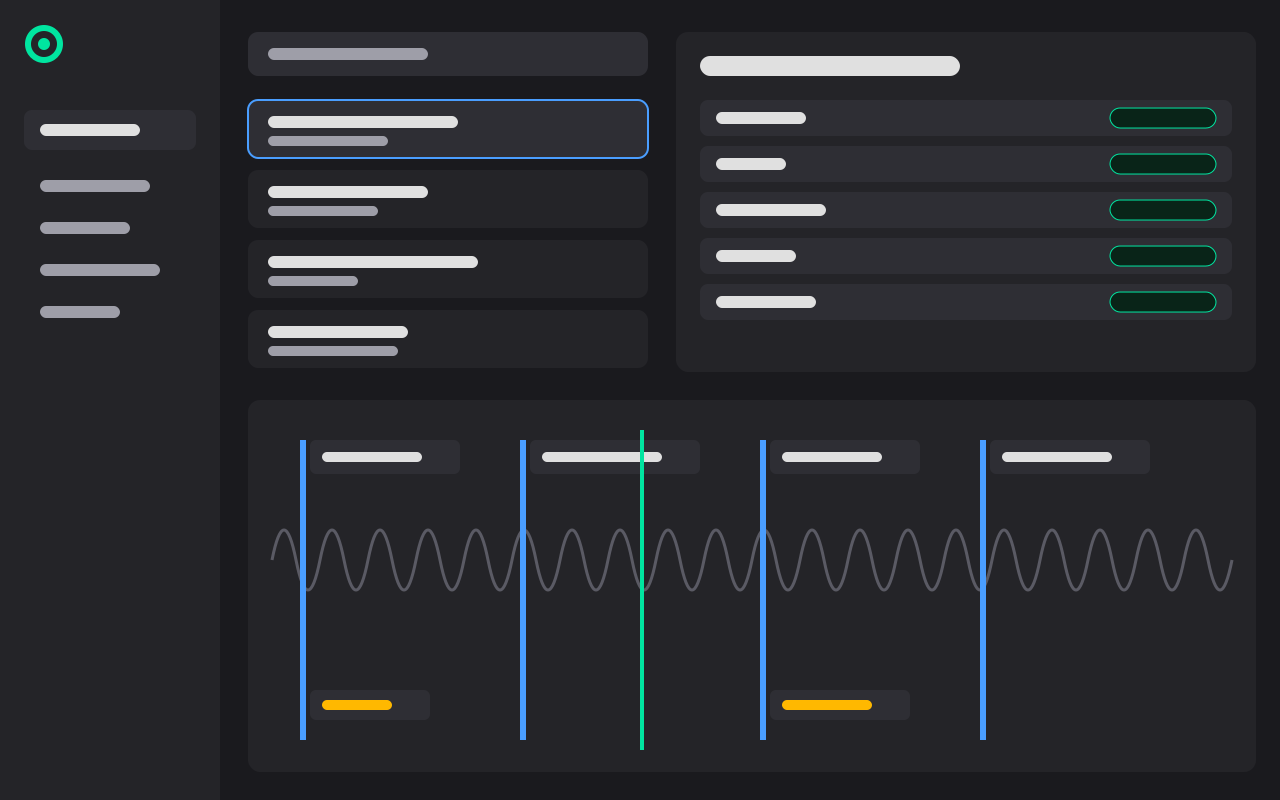
Song library, setlists and a tag timeline where you place lyrics, chords and cues on the song itself.
Practice
Rehearse with the teleprompter, record your part in time with the backing track, listen back and send the take to the band leader.
Controllers
Run the show from an Akai APC40 mk2 or an Elgato Stream Deck, with your own button mappings.
Song sheet New
A guided path to build a song’s lyrics, chords and cues step by step. Being finished right now.
How it works at a gig
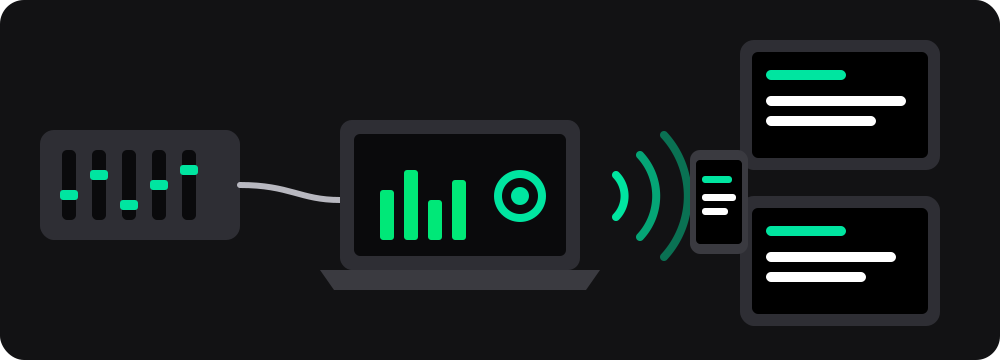
One laptop, one local network and the tablets the band already owns.
-
Plug the laptop into the mixer
Solead plays the stems through your audio interface or your digital mixer’s USB audio. Without either, the laptop’s own output works too.
-
Start a local Wi-Fi network
A router or a hotspot is enough. Solead serves the band from the laptop: no internet, no online account, no cloud.
-
Musicians scan the QR code
Each tablet opens the band session in its browser and follows the setlist, the lyrics and the chords in time with the music.
-
Play the show
Run the setlist from the laptop or a controller. If a tablet drops off the Wi-Fi, it keeps the last screen and reconnects by itself.
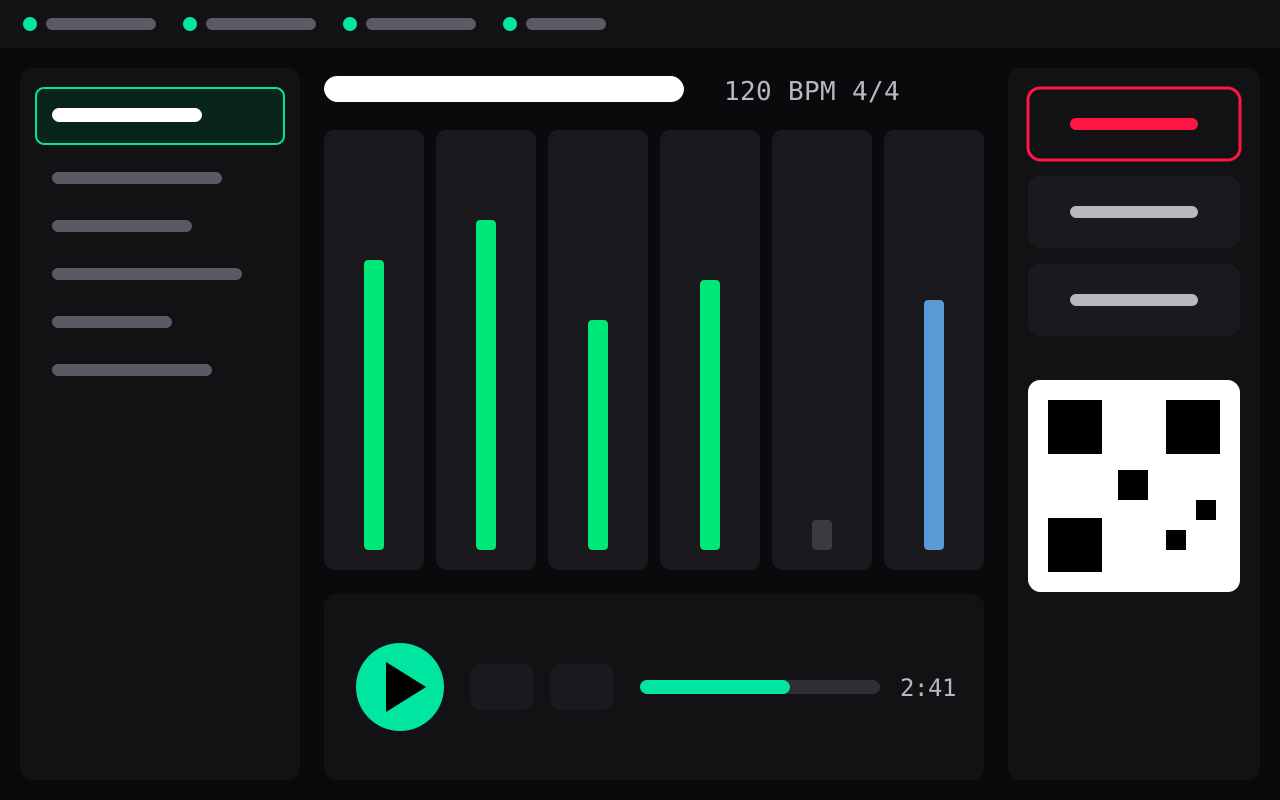
A look at Solead
The band laptop runs Prep, Live and Practice. The tablets show the teleprompter.
What you need
- A Windows laptopWindows 10 (version 1903 or later) or Windows 11, 64-bit.
- A mixer or audio interface (optional)Any ASIO or WASAPI device, including a digital mixer’s USB audio. Without one, Solead plays through the laptop’s own output.
- Tablets or phonesAny recent browser, such as Chrome on Android or Safari on iPad and iPhone. Nothing to install.
- A local Wi-Fi networkA router or a hotspot; a dedicated 5 GHz network is recommended. No internet needed.
- Controllers (optional)Akai APC40 mk2 and Elgato Stream Deck.
One price, no subscription
Buy Solead once and use it at every gig.
Solead for Windows
€35 one-time purchase, VAT included
- The full app for the band laptop: Prep, Live and Practice
- The teleprompter for every musician’s tablet or phone, nothing to install
- No subscription, no online account, no internet needed at the gig
- Download link and licence sent by email
Secure payment with Stripe. At checkout you agree that delivery starts straight away, which ends the 14-day withdrawal right (see the terms of sale).
Coming soon. Downloads open shortly. Send us an email and we will tell you as soon as Solead is available.
Notify me by emailQuestions
Do we need internet at the gig?
No. Solead runs on the laptop and talks to the tablets over your local network. Internet is only used during preparation, when you ask for it.
Do the musicians need to install an app?
No. They scan the QR code and Solead opens in their browser. With the optional HTTPS mode, a tablet can also add Solead to its home screen and open it from its cache.
Which mixer or audio interface works?
Any ASIO or WASAPI output device. Solead sends each stem to the output you choose; it never takes control of the mixer, so you keep your usual workflow.
Does Solead run on Mac or Linux?
Not today: Solead is a Windows app. The musicians’ tablets and phones can be any brand.
How many musicians can follow along?
Solead is built for bands of up to 10 musicians, each on their own tablet or phone.
Where do the lyrics and chords come from?
You add them in Prep on the tag timeline, and musicians can suggest their own from their tablet; you approve them in the review queue. The new Song sheet guides you through it step by step.
Is there AI in Solead?
Optional AI assistance with your own OpenAI or Gemini key is coming. It will help you prepare songs; you check everything, and it will not write scores for you.
What happens after I buy?
You receive the download link and your licence by email. Details are on the pricing page.